
Five connected tools.
One connected office.
Every Build delivers up to five custom tools, each one solving a real, specific part of what an office does in a day.
The tools stand on their own, so you can take the ones that fit and skip the ones that don't. But they're built to talk to each other, so when more than one is installed, the suite becomes the connected infrastructure the office runs on.
Because their tech stack wasn't built for your office.
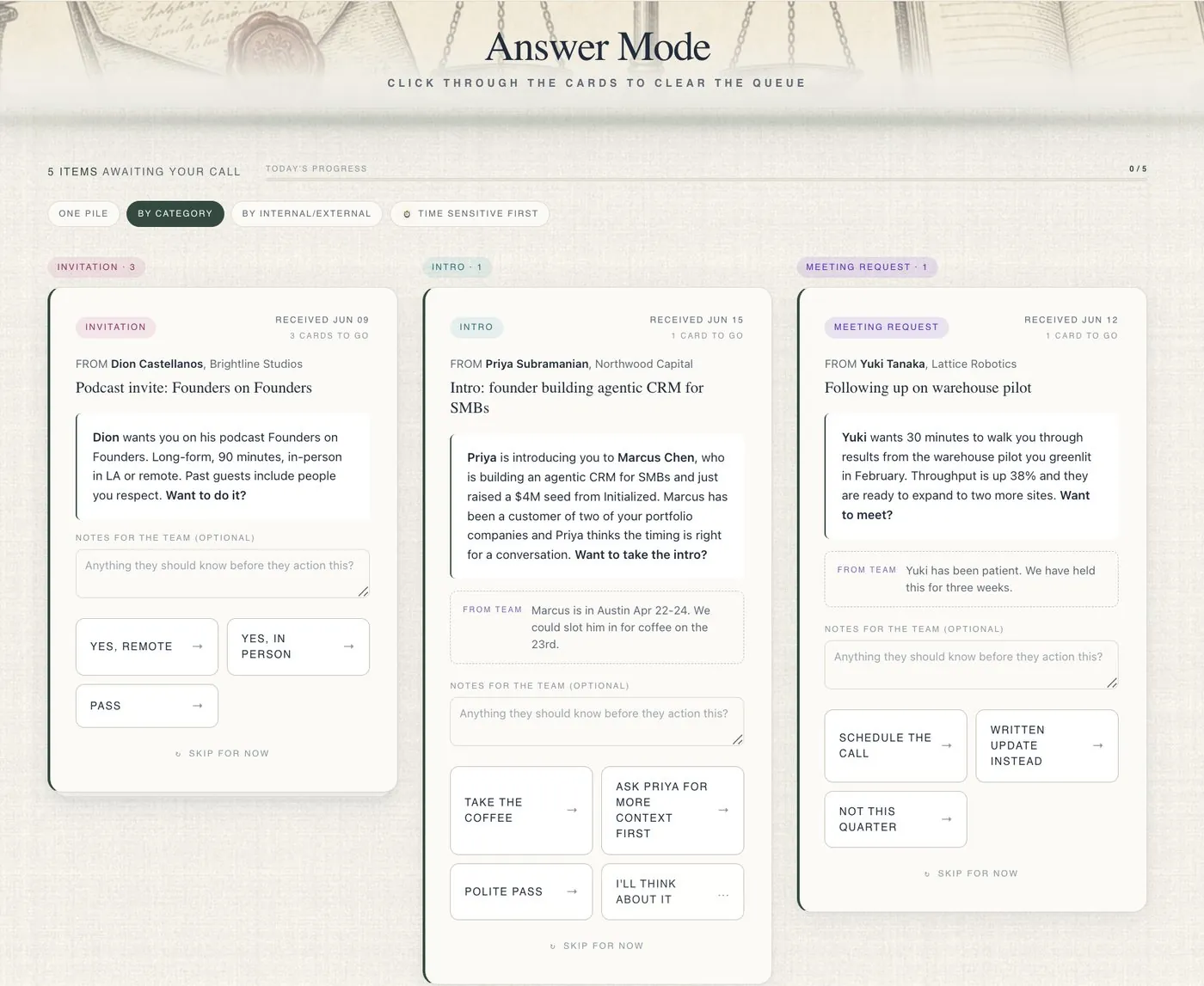
The Ledger
Closes the gap between an email landing and a decision being made. The team turns each inbound into a card the principal can scan and act on with a single tap, then the call routes automatically back to the workspace.
Explore the Ledger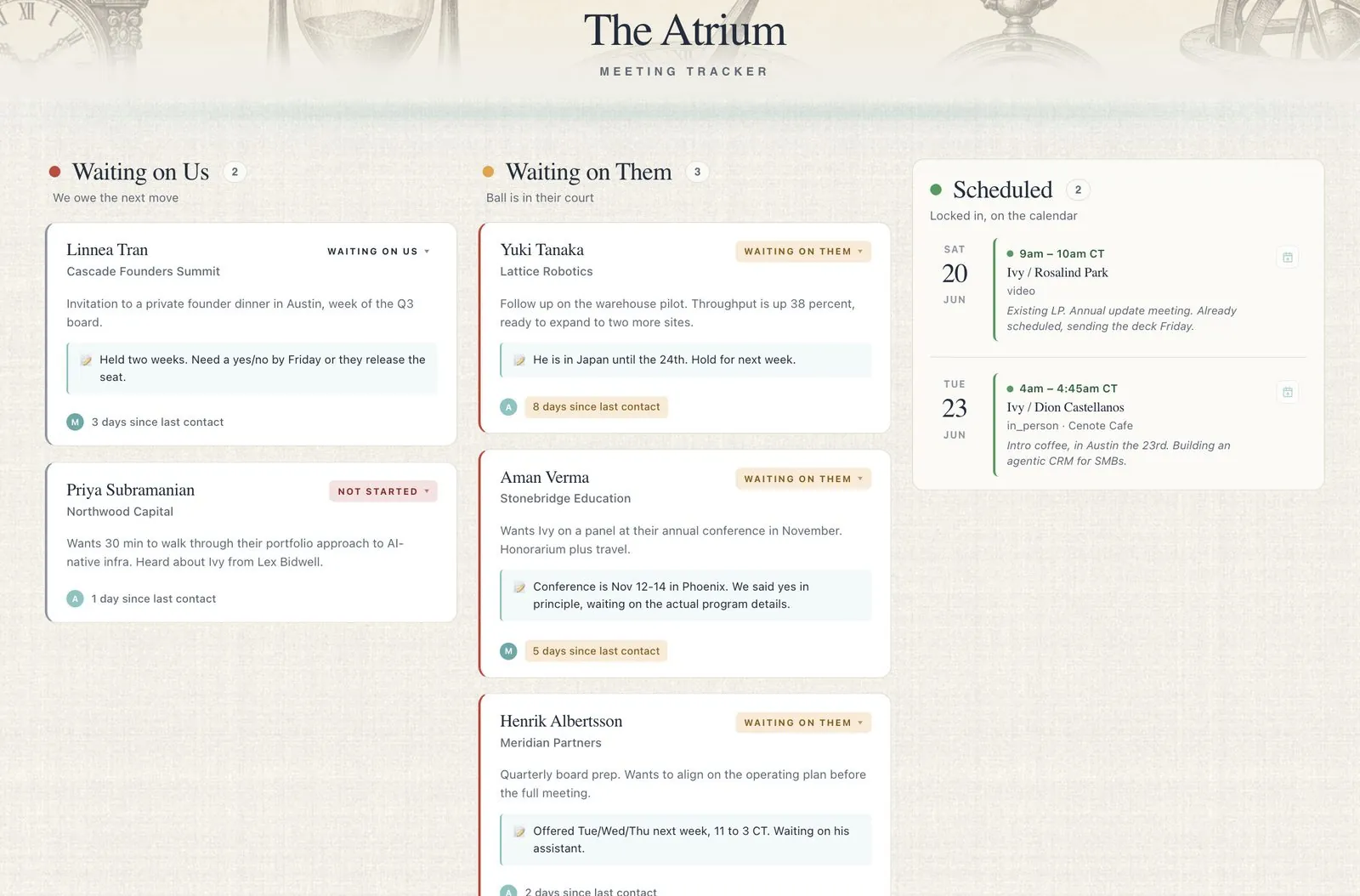
The Atrium
Keeps eyes on every meeting request from the moment it arrives until it lands on the calendar. A three-column system makes it instantly clear who owes the next move, and Hold Mode reserves a slot until it's confirmed.
Explore the Atrium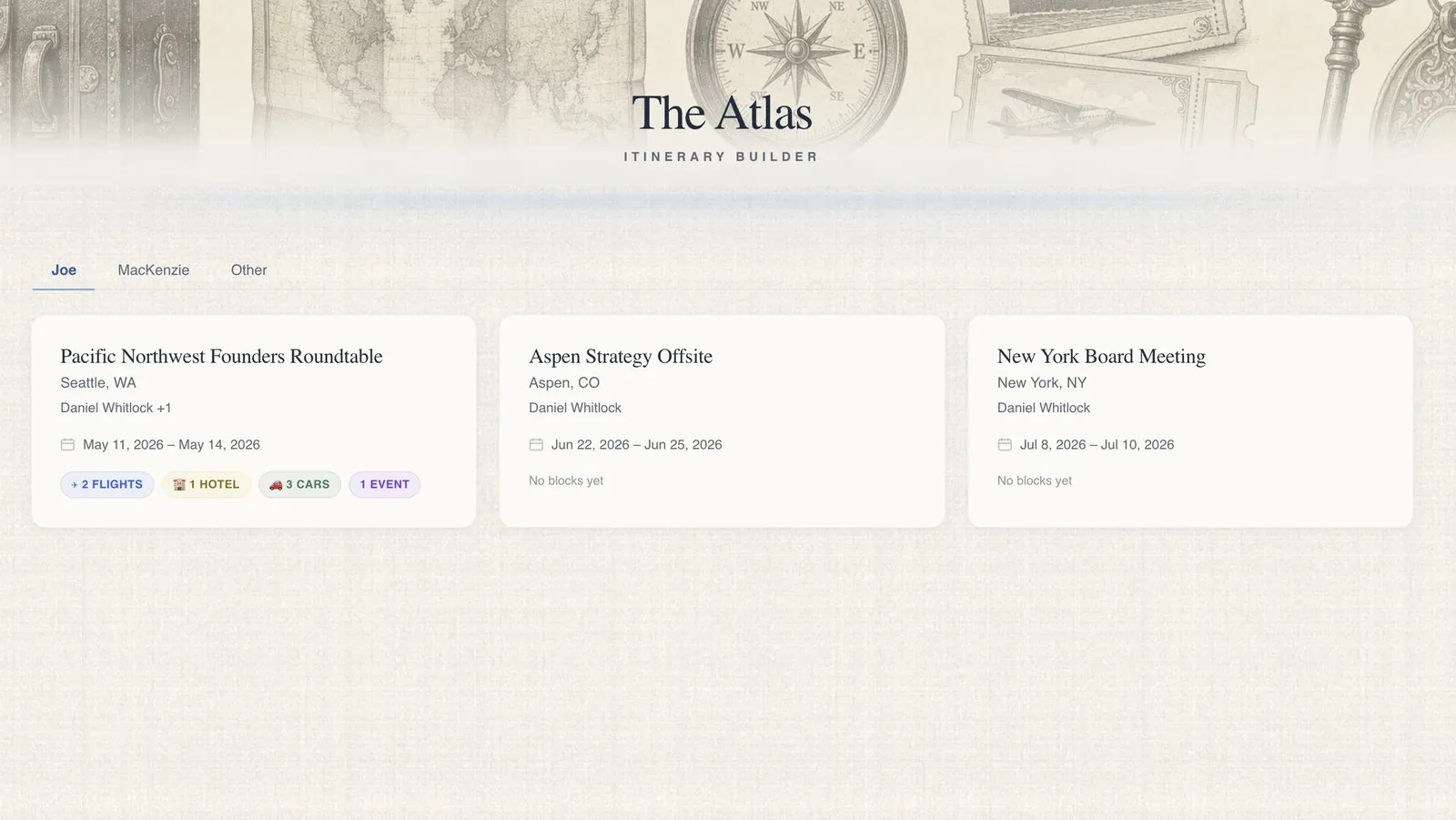
The Atlas
Instantly turn a thousand small travel details into one clean, day-by-day itinerary. Drop in any confirmation, in any format; the Atlas parses it, builds per-guest views, and ships the trip as a live link, a PDF, or a simple outline.
Explore the Atlas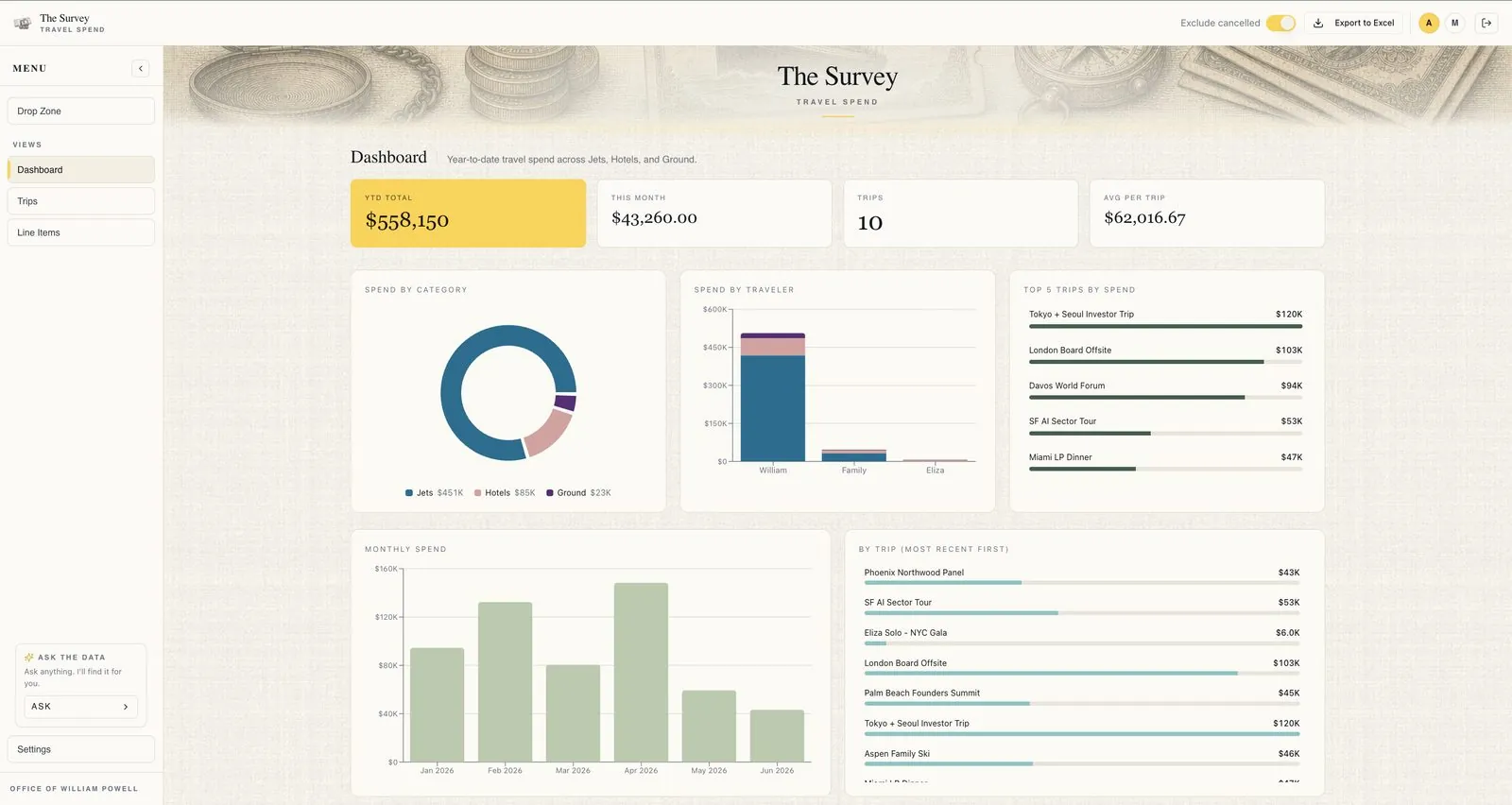
The Survey
The EA's own view into the principal's spending. Custom tiles, sortable charts, and an AI chat that answers plain-English questions in seconds. No spreadsheet, no report request to finance.
Explore the Survey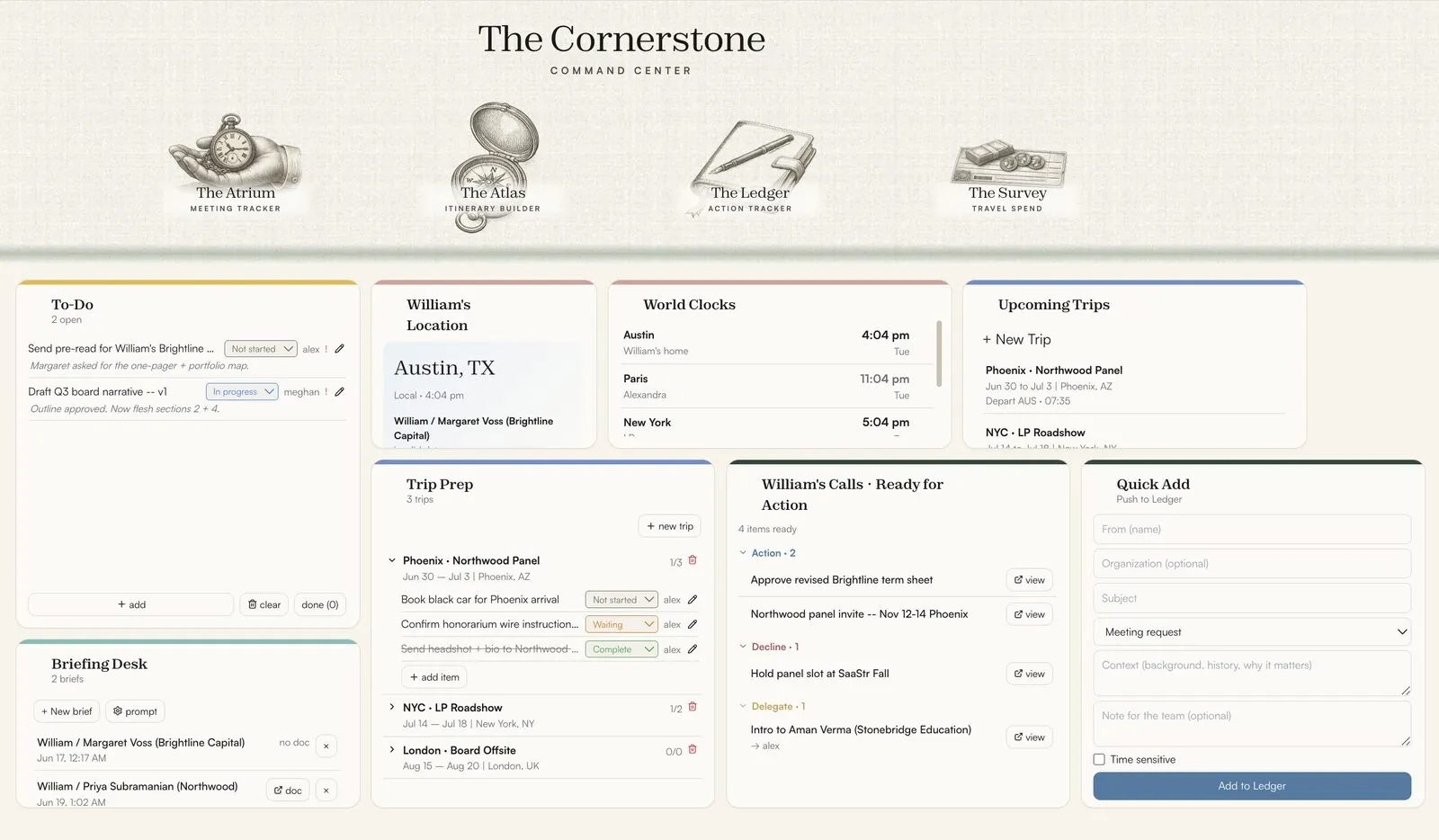
The Cornerstone
Pulls live updates from every other tool in the Suite, plus the principal's calendar, into one customizable, drag-and-drop dashboard. The point where five separate tools become a single live picture of the office.
Explore the CornerstoneScreenshots from the live application; names and data fabricated for illustration.
Which tools does your office need?
The Blueprint answers exactly that: a two-week diagnostic that decides which tools to build and how. It ends with a written plan and a fixed-price proposal, yours to keep either way.