
The Survey
Most EAs don't have a quick, easy way to answer their own questions about travel spend. A simple request usually means asking finance to run a report.
The Survey is the EA's own view into the principal's spending: customizable charts, dashboards, and an AI chat that answers plain-English questions without ever opening a spreadsheet.
Answers, without the spreadsheet.
01Just ask
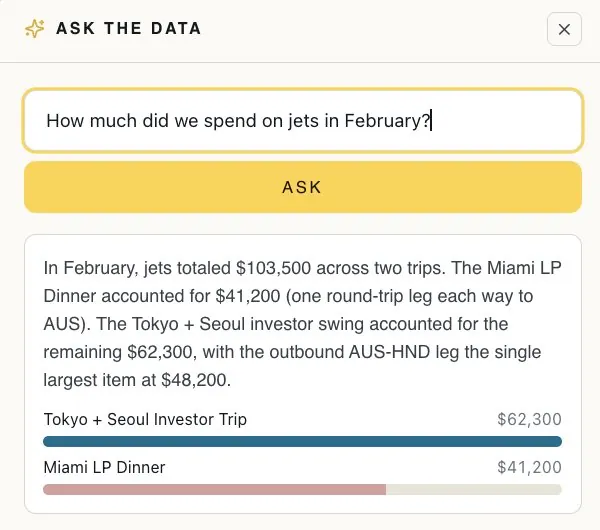
A built-in AI chat answers plain-English questions about the data so the EA can find what they're looking for in seconds. Faster than scrolling through spreadsheets, digging through an inbox to find receipts, or emailing the finance team for a report.
02Every number on one screen
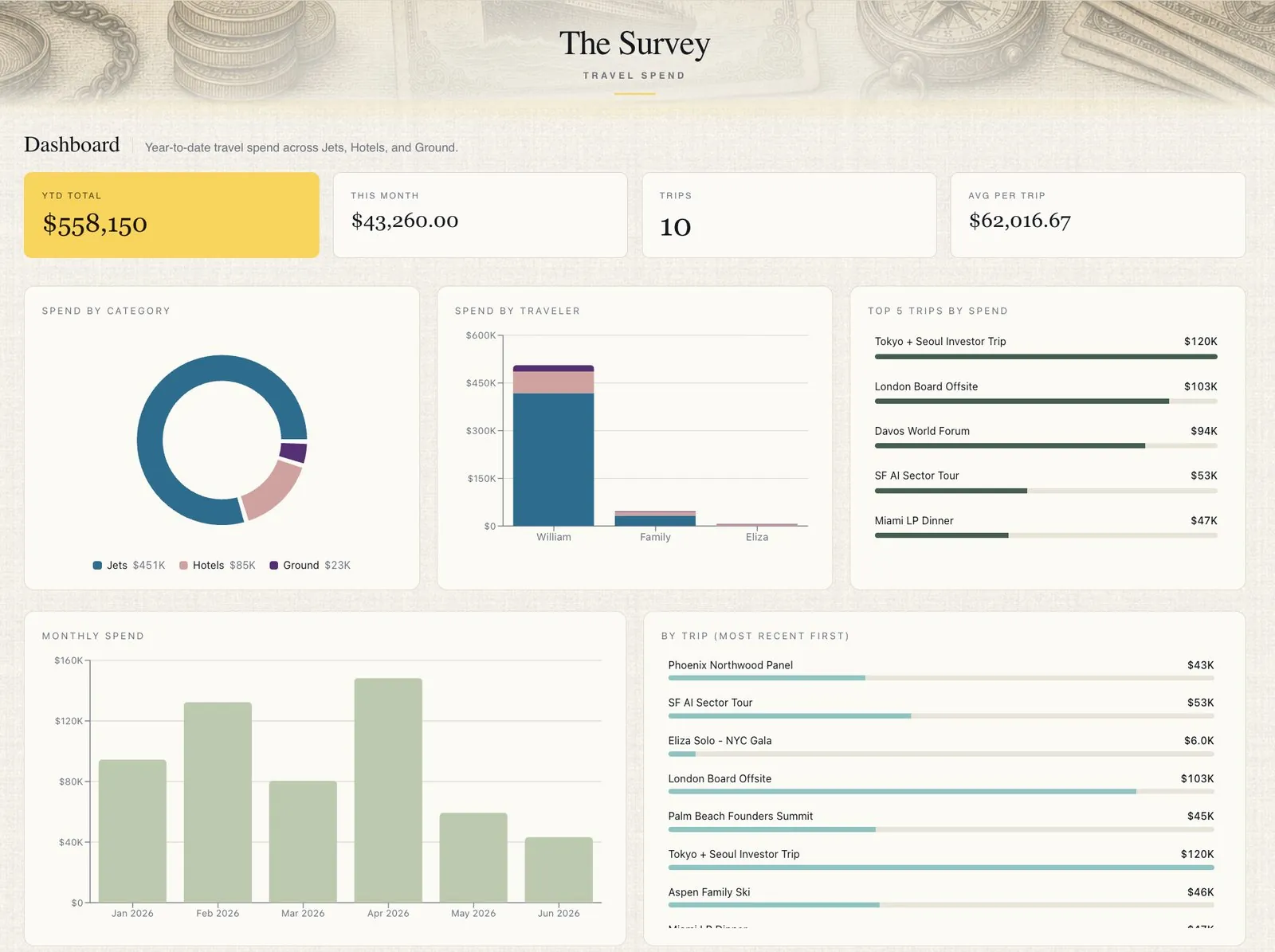
Custom tiles across the top track whatever quick numbers matter most (YTD spend, average trip cost, trips this year). Below, sortable, filterable charts show how spend breaks down across the office, the principal, and anyone else who travels on the office's account.
03The end of manual entry
Drop in a receipt, an invoice, a confirmation, or a CSV and the Survey's AI parses out the relevant details, matches them to the right trip or event or category automatically, and surfaces a clean line item for the EA to confirm.
Every trip remembered, every number in view.
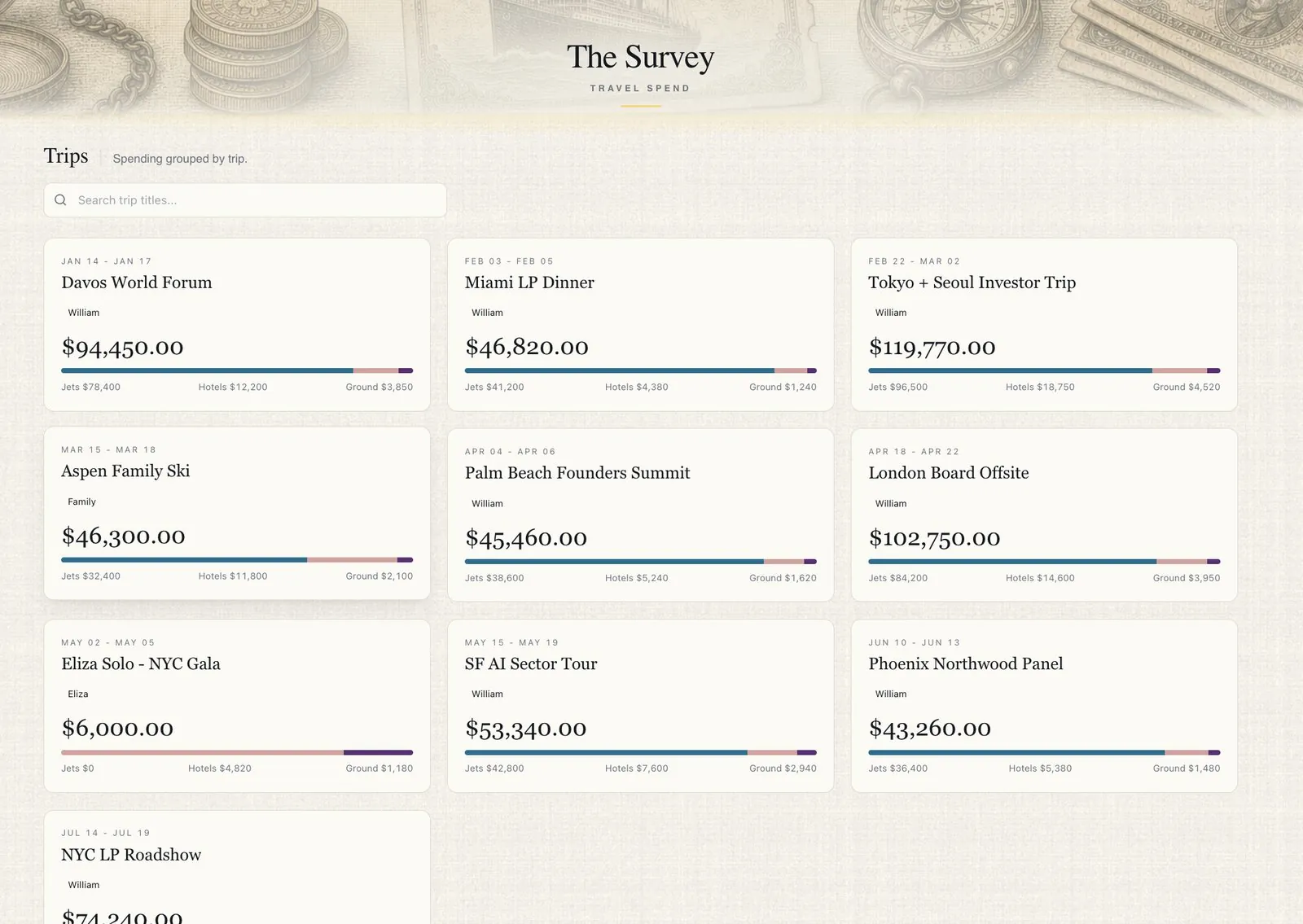
The trip's name, dates, and destination arrive from the Atlas automatically, so the entry is already waiting when it's time to log the spend. Nothing slips.
Live spend widgets pull straight into the command center, so the numbers that matter stay in view.